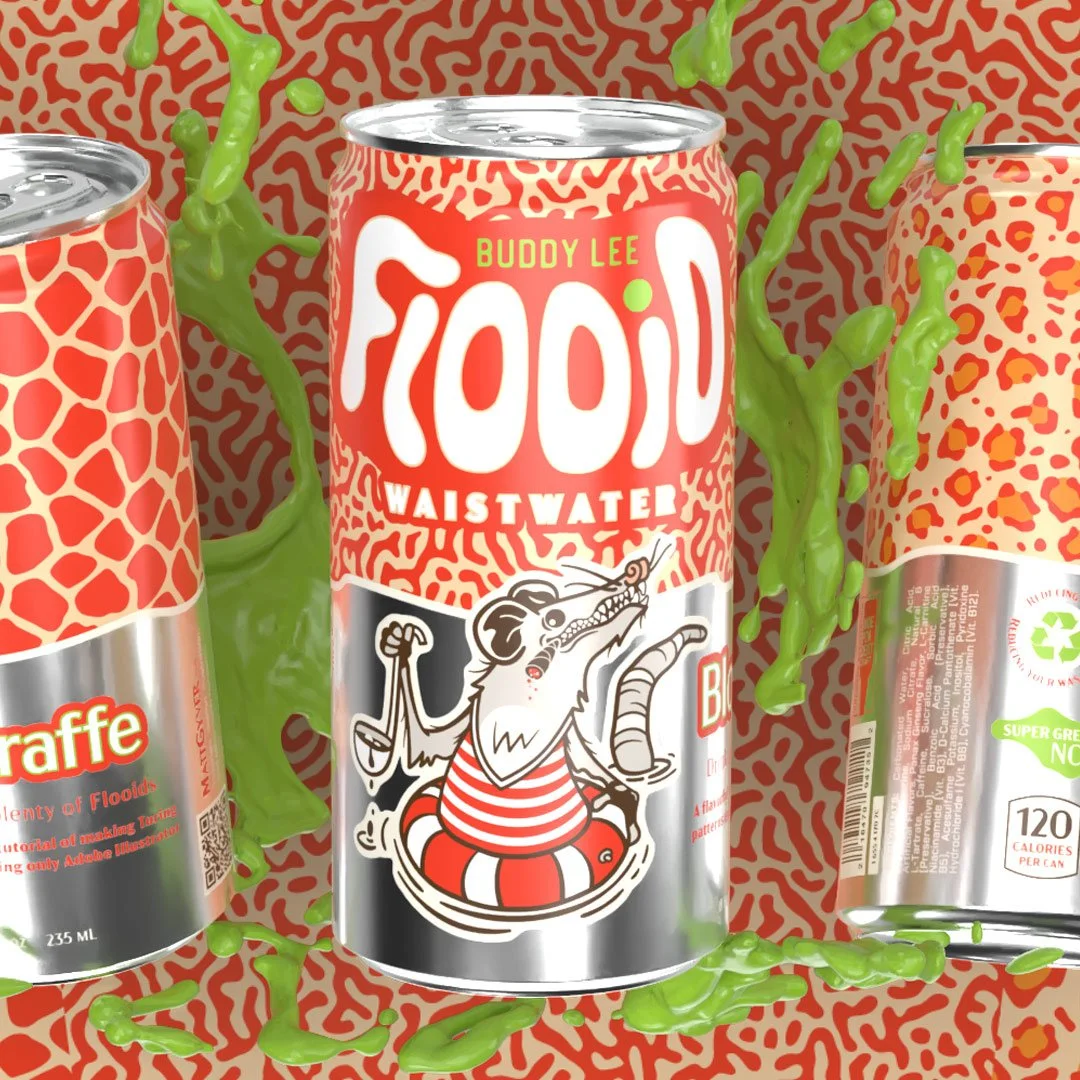
If you’ve ever wanted to create those fluid Voronoi-like blob shapes in Illustrator, here’s a quick four‑step tutorial that keeps things simple and non-destructive. I’ve also seen this called a Turing pattern, reaction diffusion, or even an ink effect.
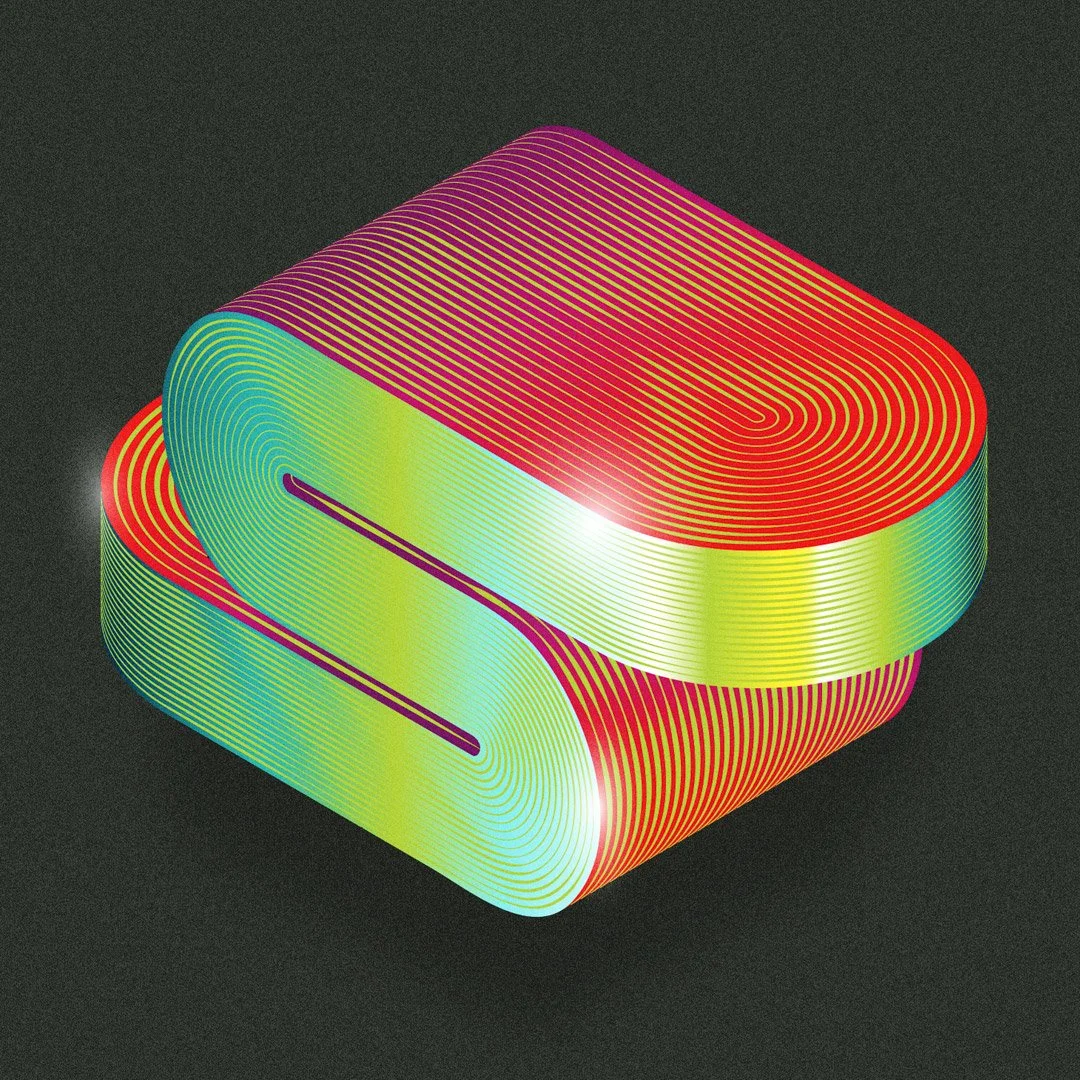
Read MoreCreate a smooth, ribbon‑like 3D letterform in Adobe Illustrator, with sexy curves and a contoured metallic sheen. Sounds easy, right? There are several ways to achieve the effect, but we’ll focus on the method that I feel is the simplest, most flexible, and easiest to adjust.
Read MoreWhen color swatches are pulled from an image such as a product photo, graphic, or other visual, they can help carry the tone and personality of a brand. This post focuses on my favorite way to extract colors in Illustrator using the Mosaic command, offers tips on color management, and how to generate swatch information.
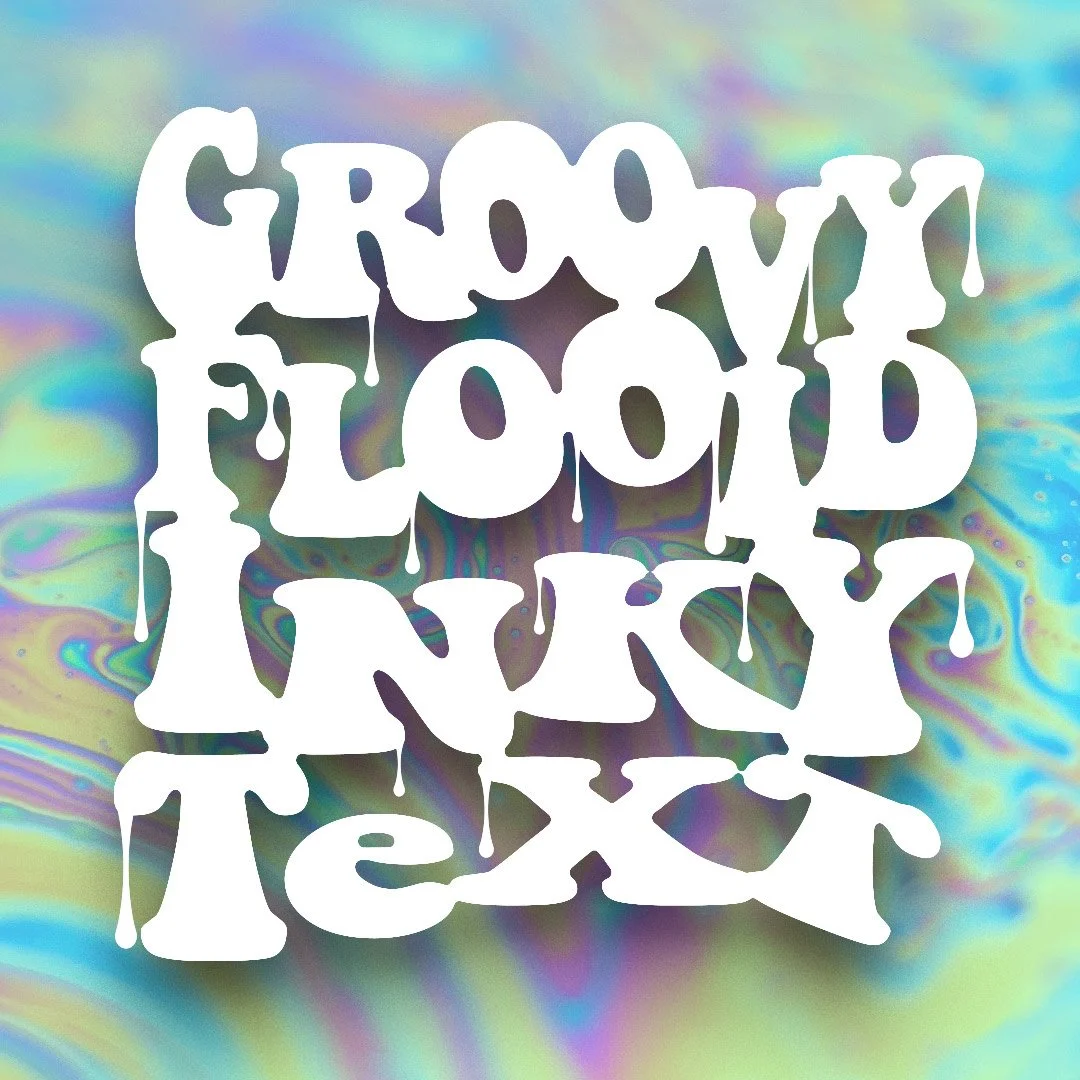
Read MoreThere are lot of destructive and labor intensive ways to do this inky fluid text effect, but here’s a simple method that is infinitely editable with just a few tweaks in the Appearance panel. Enjoy these plainly written steps with clear visuals. This tutorial is fairly easy too!
Read MoreSo you saw a Turing pattern Photoshop tutorial? Let me slap the mouse out of your hand and show you the various ways to create the same beautiful Turing textures solely in Illustrator, and Illustrator alone. Vectors be praised!
Read MoreBand will be back in swing before you know it. Here’s a small collection of graphics from the last few high school marching band seasons.
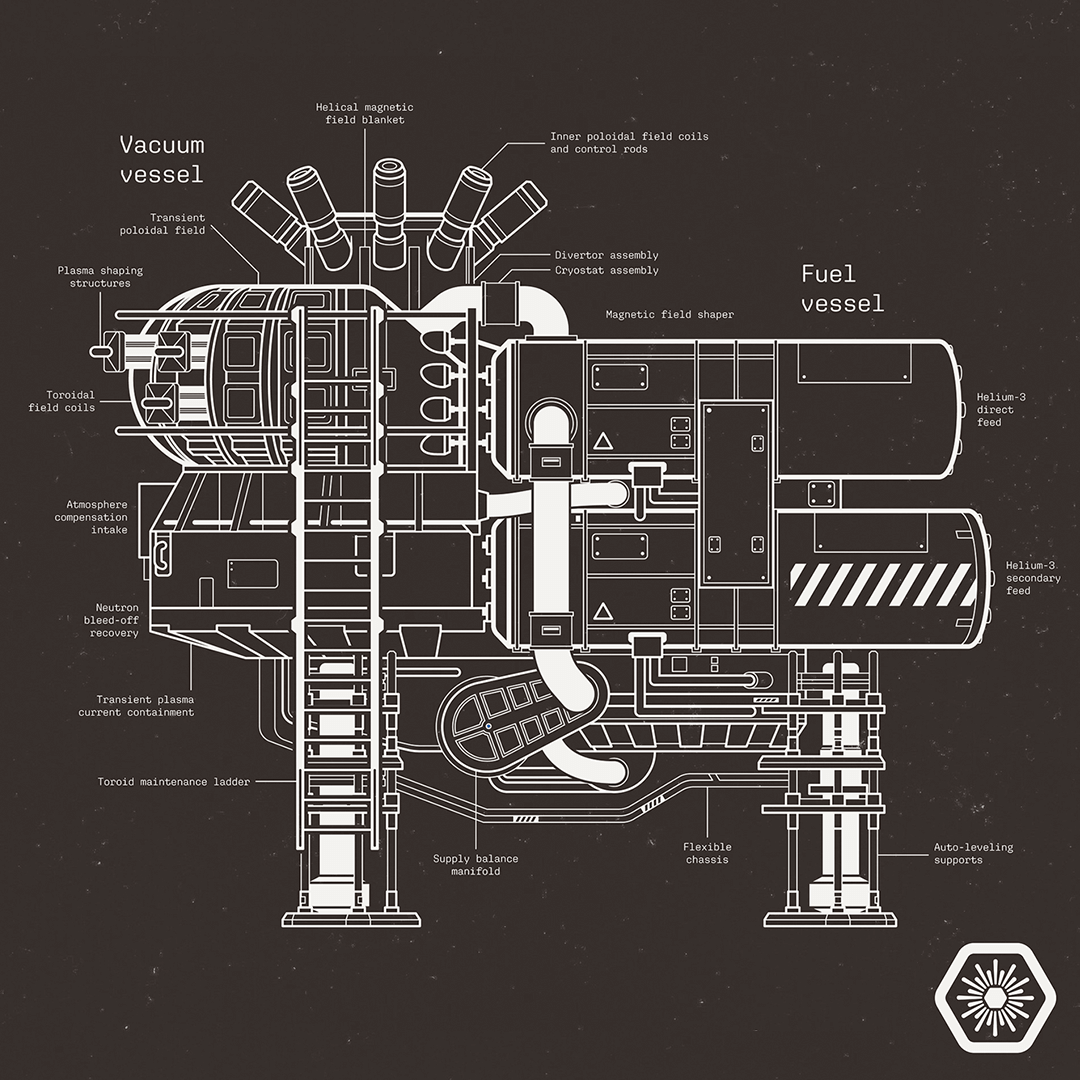
Read MoreAs a fan of technical illustrations and data visualizations, I wanted to diagram the manufacturing process flow for one of the most complicated outpost constructions in the game Starfield—the advanced nuclear reactor.
Read MoreThe perspective grid is one of the more obtuse and finicky tools in Illustrator—it’s imprecise, buggy, and asks a lot of the user. Let’s take it for a spin!
Read MoreAdobe Illustrator is almost never the last step in a 3D project, but it can certainly be the first. Its new 3D tools have been redesigned to focus on simplicity and quality (and slowness 🥴) and allow designers to dip their toes into the realm of 3D compositions.
Read MoreVillainy! A downloadable collection of color swatches derived solely from Disney’s cast of animated deplorables. Is it possible to tell whether or not a character is ‘evil’ simply based on their palette? Find out!
Read MoreA process for something I rarely do: architectural room renditions. Streamline your workflow to achieve a precise and beautiful hand-drawn interior design using a combination of free 3D interior design software, Illustrator, and Photoshop.
Read MoreIllustrator variables allow text URLs to behave like proper hyperlinks when saving the document as a PDF. It’s a useful trick to avoid relying on Acrobat or InDesign. Illustrator can be touchy however, so I’ve gathered a few tips to help.
Read MoreI’ve always wanted to try my hand at glitch art by using random effects to create an unpredictable series of images. This tutorial highlights my process of creating bitmap textures in Photoshop, applying those textures to vector art in Illustrator, breaking things, assembling things, and hoping for the best!
Read MoreThe real heroes of planet Arakkis are the spice harvesters who keep the spice flowing. I finally had some free time to vector the new spice harvester from Denis Villeneuve’s Dune. Because the movie is AMAZING and I always have plenty of free time. Enjoy this overview of my illustration process.
Read MoreTexturing goes a long way towards making a piece feel complete; it adds a certain richness and depth. This tutorial will quickly take you through a vector illustration from beginning to end, and focus on how to create a colorful vector texture brush from scratch.
Read More